🐢 Module 12
Turtle, Final Wrap-up and Beyond
You made it. Turtle turns loops and functions into drawings — and the skills you built go way beyond this course.
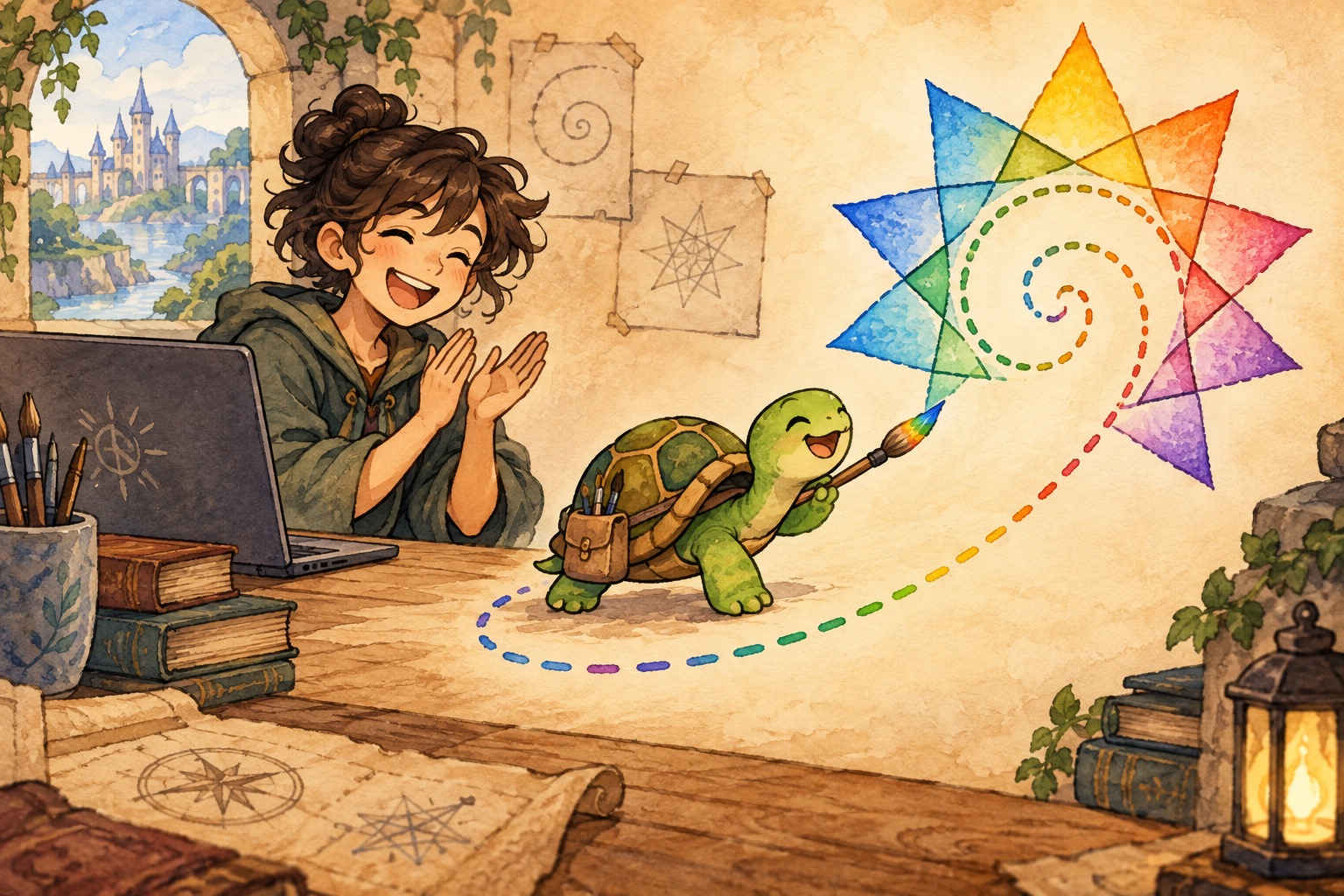
🪄 The concept
Turtle is a beginner-friendly drawing library: move forward, turn, change color, and loop to build shapes. It makes abstract ideas (loops, angles) visible.
This module also recaps lists + loops + functions — the core toolkit you will reuse in files, games, web apps, and data work.
Keep going: try ASCII toys in this folder, explore more APIs, or invent a tiny game that uses everything from Modules 1–11.
💬 Discussion
Talk these through with a friend, a class, or just your notes app:
- Which module felt hardest — and which one clicked unexpectedly?
- If you built one more project this month, what would it be?
- How would you explain “a loop” to a friend using Turtle shapes?
💻 Code walkthrough
Copy into your editor, or download the .py file and run it. Tinker — change names, numbers, and spells.
Turtle graphics — draw a simple shape bob_the_turtle.py
import turtle

# Create a window and a “turtle” pen
screen = turtle.Screen()
screen.title("Hogwarts badge sketch")
pen = turtle.Turtle()
pen.speed(3)

# Draw a triangle (one side of a house crest)
for side in range(3):
    pen.forward(100)
    pen.left(120)

pen.hideturtle()
screen.mainloop()   # keeps the window open until you close it
Lists + loops + functions — a mini recap course_recap.py
# Combine ideas from the whole course
houses = ["Gryffindor", "Hufflepuff", "Ravenclaw", "Slytherin"]

def cheer(house_name):
    return "Ten points to " + house_name + "!"

for h in houses:
    print(cheer(h))

# You are ready for files, classes, web apps, data science, and more!
Colors and a square (house colors) turtle_colors_square.py
import turtle

pen = turtle.Turtle()
pen.speed(5)
pen.color("darkred")   # Gryffindor-ish

for _ in range(4):
    pen.forward(80)
    pen.left(90)

pen.color("gold")
pen.penup()
pen.goto(10, 10)
pen.pendown()
pen.dot(15)   # small circle dot

turtle.done()
Simple star with a loop turtle_star.py
import turtle

star = turtle.Turtle()
star.color("navy")
star.begin_fill()

for _ in range(5):
    star.forward(100)
    star.right(144)

star.end_fill()
turtle.done()
🧪 Try this
- Change the triangle to a square or pentagon (hint: angle = 360 / sides).
- Draw two shapes in different house colors on the same canvas.
- Write a tiny “graduation” program that prints a cheer for each skill you learned (variables, lists, loops…).
📁 Local files
All runnable Python for this module: