📦 Module 2
Lists
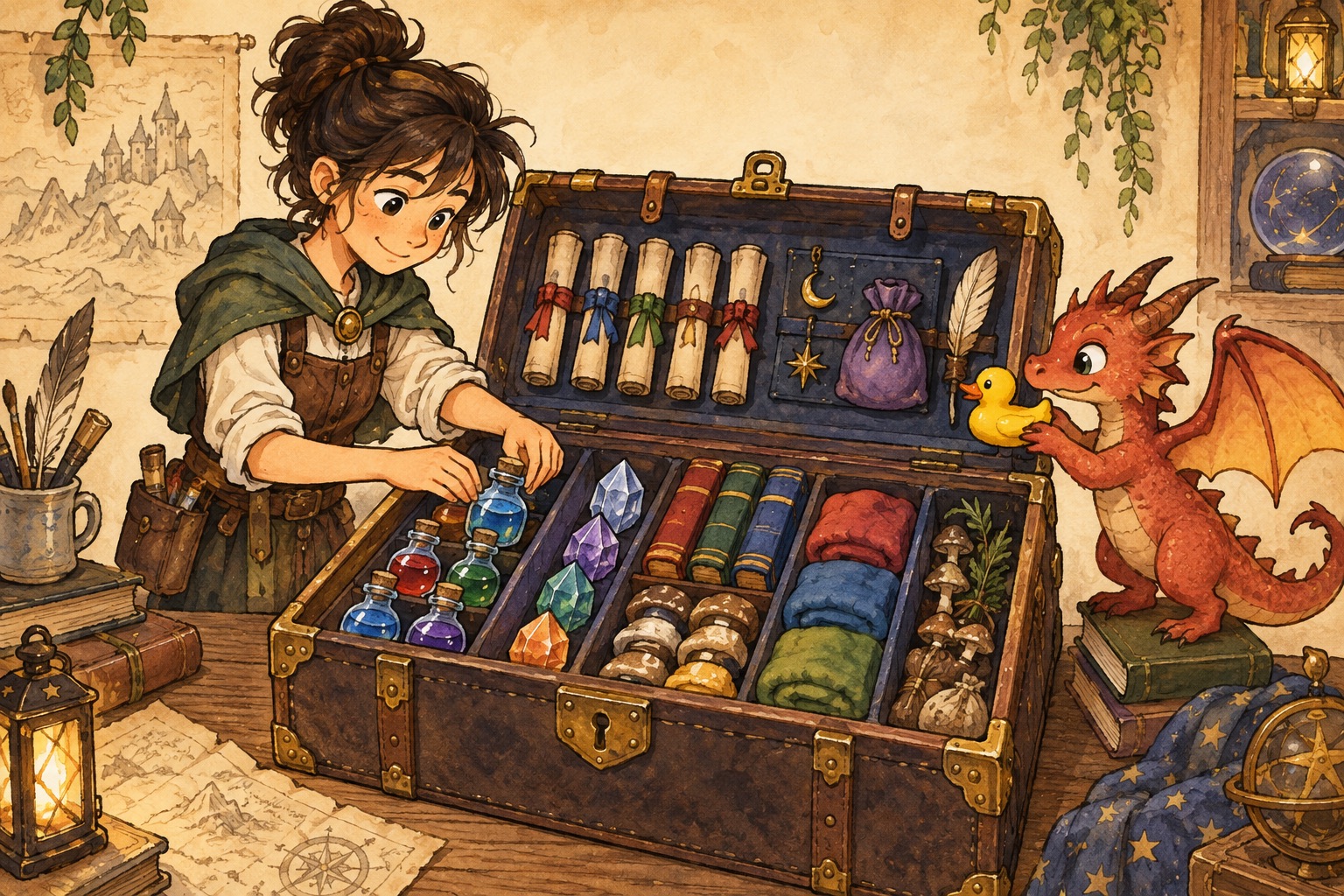
A single variable keeps overwriting itself. A list is your school trunk: many items, in order, ready to grab.
🪄 The concept
A list holds multiple values in order, using square brackets: ["wand", "cloak", "map"]. The first item is at index 0 (computers start counting at zero).
You can append() to add, pop() or remove() to take things out, insert() to place an item at a spot, and sort() to alphabetize.
Remember: = assigns a value; == checks if two values match. The word in asks whether something is inside a list — perfect for “do I know this spell?”
💬 Discussion
Talk these through with a friend, a class, or just your notes app:
- What lists already exist in your day? Playlists, class schedules, game inventories…
- Why does index 0 feel weird at first? Can you invent a memory trick?
- When would you rather use a list than twelve separate variables?
💻 Code walkthrough
Copy into your editor, or download the .py file and run it. Tinker — change names, numbers, and spells.
Creating and using lists inventory.py
# A list stores multiple items in order — like items in your trunk
inventory = ["wand", "cloak", "map"]
print(inventory[0])   # first item: wand (indexes start at 0)
print(len(inventory)) # how many items you are carrying

# append() adds to the end; pop() removes the last item (or one you choose)
inventory.append("time-turner")
found = inventory.pop()   # pick up the last item you added
print("You found:", found)
print("Still carrying:", inventory)
Assignment vs. equality list_basics.py
# = assigns a value; == checks whether two values match
favorite_spell = "Expelliarmus"   # assignment

if favorite_spell == "Expelliarmus":   # equality check
    print("Disarming charm ready!")
else:
    print("Different spell selected.")

# in checks whether something is inside a list
spells_known = ["Lumos", "Nox", "Accio"]
if "Accio" in spells_known:
    print("You know how to summon objects!")
List slicing (grab part of a list) list_slicing_grab_part_of_a_list.py
owls_subjects = ["Charms", "Potions", "Herbology", "Defense", "Astronomy"]

# [start:end] — end is not included; negative index counts from the end
first_two = owls_subjects[0:2]      # ["Charms", "Potions"]
last_one = owls_subjects[-1]        # "Astronomy"
middle = owls_subjects[1:4]         # three subjects in the middle

print("First exams:", first_two)
print("Final exam:", last_one)
insert, remove, and sort insert_remove_and_sort.py
team = ["Harry", "Ron", "Hermione"]

team.insert(1, "Neville")   # add at index 1 (second position)
team.remove("Ron")          # remove by value (must exist exactly once)
team.sort()                 # alphabetize the list in place

print("Quidditch squad:", team)
print("How many players:", len(team))
🧪 Try this
- Start with
inventory.py. Add three of your own items, then print how many you are carrying withlen(). - Build a list of five spells you wish you knew. Print only the first two using a slice, then print the last one with
[-1]. - Make a Quidditch team list of friends (or characters). Insert a captain at index 0, remove one player, and sort the rest.
📁 Local files
All runnable Python for this module: