🔁 Module 3
Loops
Loops let you do the same idea again and again — once for each house, each spell, each quiz score.
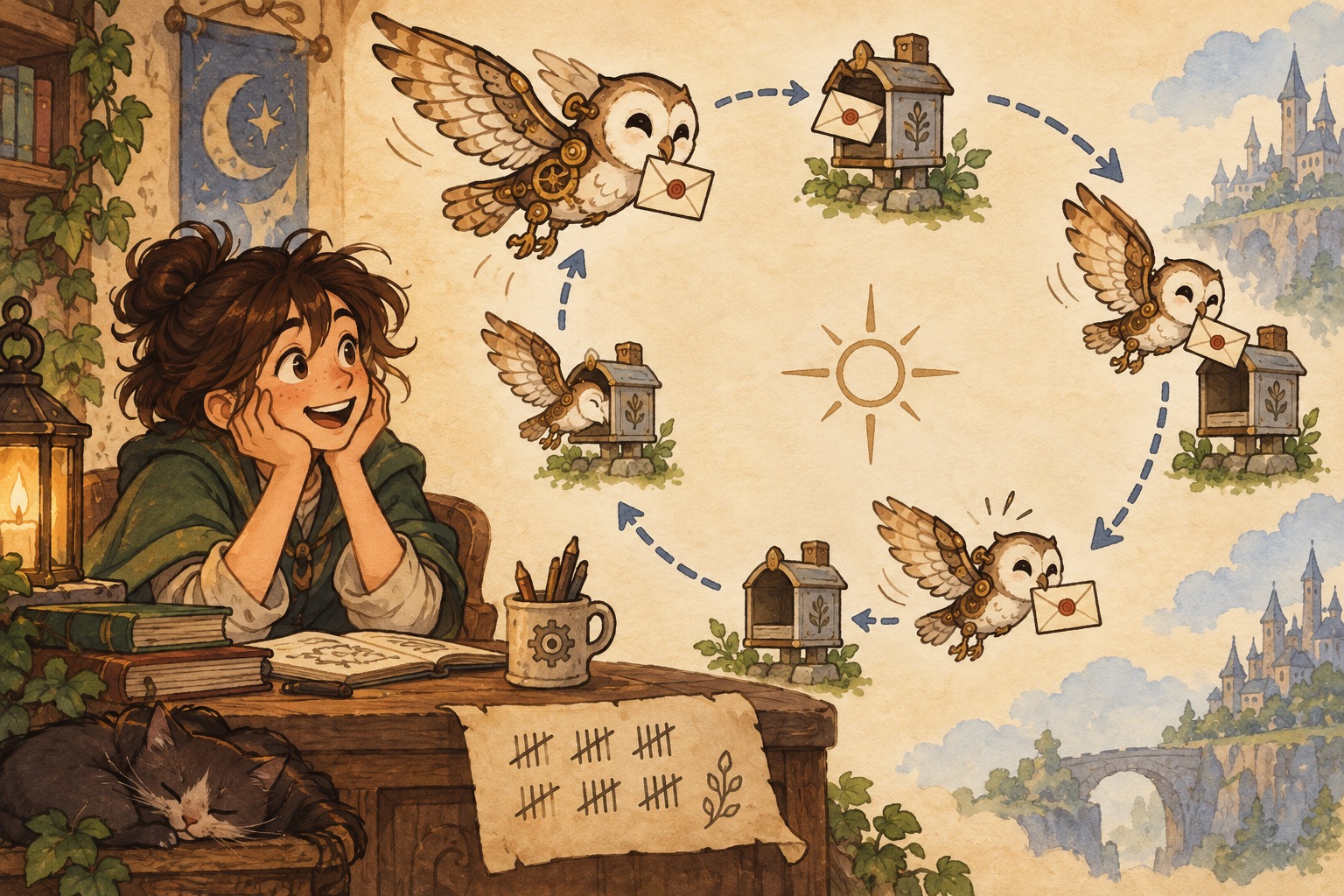
🪄 The concept
A for loop walks through each item in a list (or each number from range()) and runs a block of code for that item.
Loops are how you turn a pile of numbers into totals, averages, highs and lows — or how you print a cheer for every house without rewriting the same line four times.
enumerate() gives you both a counter and the item (Lesson 1, Lesson 2…). You can also build a new list inside a loop — for example, only the passing scores.
💬 Discussion
Talk these through with a friend, a class, or just your notes app:
- Where do you already “loop” in real life? (Checking each bag of chips at a store, practicing free throws…)
- Would you rather write four print statements or one loop that prints four times? When might the long way still be clearer?
- How could a game use a loop to visit every room on a map?
💻 Code walkthrough
Copy into your editor, or download the .py file and run it. Tinker — change names, numbers, and spells.
For loops over a list for_loops.py
# Loop through each house and print a cheer
houses = ["Gryffindor", "Hufflepuff", "Ravenclaw", "Slytherin"]

for house in houses:
    print("Points for", house, "— ten points!")

# range() gives a sequence of numbers — useful for counting spells
for i in range(3):
    print("Practice swing", i + 1)
Summing and averaging (stats with loops) scores_stats.py
# Track quiz scores and find the total and average
scores = [88, 92, 75, 95, 81]
total = 0

for score in scores:
    total = total + score   # add each score to the running total

average = total / len(scores)
print("Total points:", total)
print("Average score:", round(average, 1))
enumerate() — loop with an index counter enumerate_loop_with_an_index_counter.py
# Useful when you need "spell 1, spell 2..." while looping
spells = ["Lumos", "Nox", "Accio"]

for number, spell in enumerate(spells, start=1):
    print(f"Lesson {number}: learn {spell}")
Finding min, max, and building a new list finding_min_max_and_building_a_new_list.py
quiz_scores = [72, 95, 88, 61, 90]
print("Highest:", max(quiz_scores))
print("Lowest:", min(quiz_scores))

# Build a list of passing grades only
passing = []
for score in quiz_scores:
    if score >= 70:
        passing.append(score)

print("Passed:", passing)
🧪 Try this
- Make a list of your favorite snacks (or spells). Loop through and print
I like …for each one. - Change the quiz scores in
scores_stats.pyto your own numbers. Does the average match what you expect? - Use
enumerateto number a packing list for a trip to Hogwarts (or anywhere). Start at 1, not 0.
📁 Local files
All runnable Python for this module: