🗺️ Module 8
Text Based Game
Now we stitch functions into an adventure: rooms, choices, and a bag that remembers what you picked up.
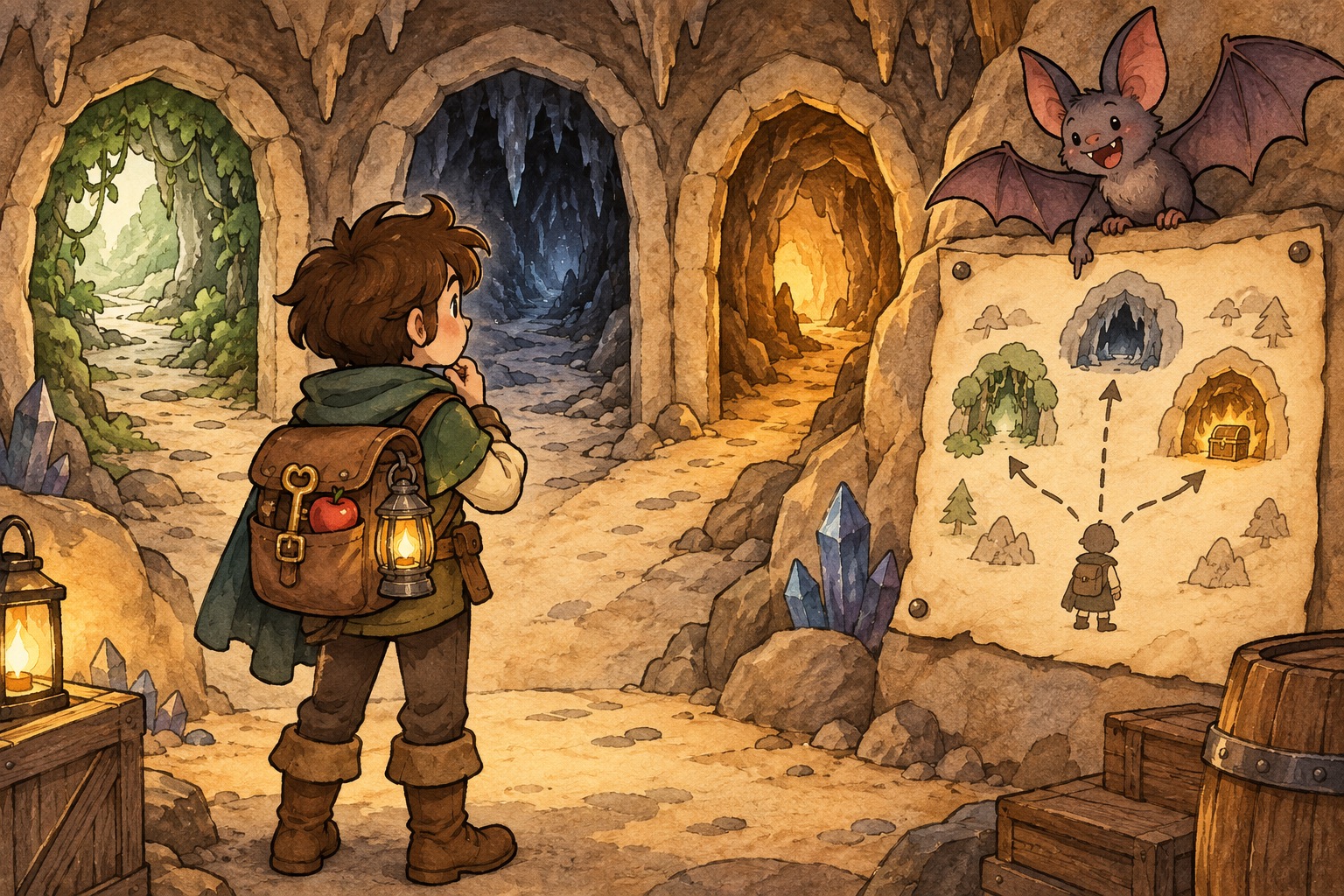
🪄 The concept
A text adventure is a loop of places and choices. Each room can be a function; a playing flag (or similar) decides whether the adventure continues.
Inventories fit dictionaries perfectly: item name → True/False (or counts). Room lookup tables store descriptions as data and keep movement code small.
Bugs are part of the craft. Watching a game fail and fixing it teaches more than a perfect first draft — that is intentional in this module’s videos.
💬 Discussion
Talk these through with a friend, a class, or just your notes app:
- If you designed a three-room school map, what would each room do?
- Should room descriptions live in code (print statements) or in data (a dictionary)? Trade-offs?
- Have you ever gotten stuck in a game with no way out? How would you prevent that as the designer?
💻 Code walkthrough
Copy into your editor, or download the .py file and run it. Tinker — change names, numbers, and spells.
Game loop with rooms as functions adventure_game.py
# playing controls whether the adventure continues
playing = True

def great_hall():
    print("You stand in the Great Hall. Candles float overhead.")
    choice = input("Go to (c)ourtyard or (l)ibrary? ")
    if choice == "c":
        courtyard()
    elif choice == "l":
        library()
    else:
        print("You hesitate and stay put.")

def courtyard():
    print("Cold air. The fountain is frozen.")
    if input("Return to hall? (y/n) ") == "y":
        great_hall()
    else:
        print("You explore the grounds...")

def library():
    print("Thousands of books whisper on the shelves.")
    playing = False   # local variable — see Module 9 for global
    print("You found a secret passage. Game over!")

while playing:
    great_hall()
    # In a full game, set playing = False when the player wins or quits
Player inventory as a dictionary player_inventory_as_a_dictionary.py
# Track items and whether the player has them (True/False)
inventory = {"wand": True, "cloak": False, "map": True}

def show_inventory(bag):
    print("--- Your bag ---")
    for item, has_it in bag.items():
        status = "yes" if has_it else "no"
        print(f"  {item}: {status}")

def pick_up(bag, item_name):
    bag[item_name] = True
    print(f"You picked up the {item_name}.")

pick_up(inventory, "cloak")
show_inventory(inventory)
Room lookup table (data + functions) rooms_lookup.py
rooms = {
    "hall": "Candles float. Long tables groan with food.",
    "yard": "Cold grass. The Whomping Willow creaks.",
    "tower": "Spiral stairs. Owls hoot above."
}

def enter(room_key):
    description = rooms.get(room_key, "You are lost in mist.")
    print(description)

enter("hall")
enter("dungeon")   # not in dict — uses default message
🧪 Try this
- Add a fourth room to
rooms_lookup.py(dungeons? kitchens?). Callenter()on it. - Give the player a starting item in the inventory demo, then write
drop(bag, item)that sets it to False. - Sketch on paper a tiny game with 3 rooms and 1 win condition, then try coding just the map first.
📁 Local files
All runnable Python for this module: