✨ Module 1
Introduction to Python
Just like a Patronus, we start by focusing hard on one happy idea: telling the computer what to do.
🪄 The concept
Python is a programming language — a way to give instructions to a computer. Your first tools are variables (labeled boxes that hold values) and print() (which shows text on the screen).
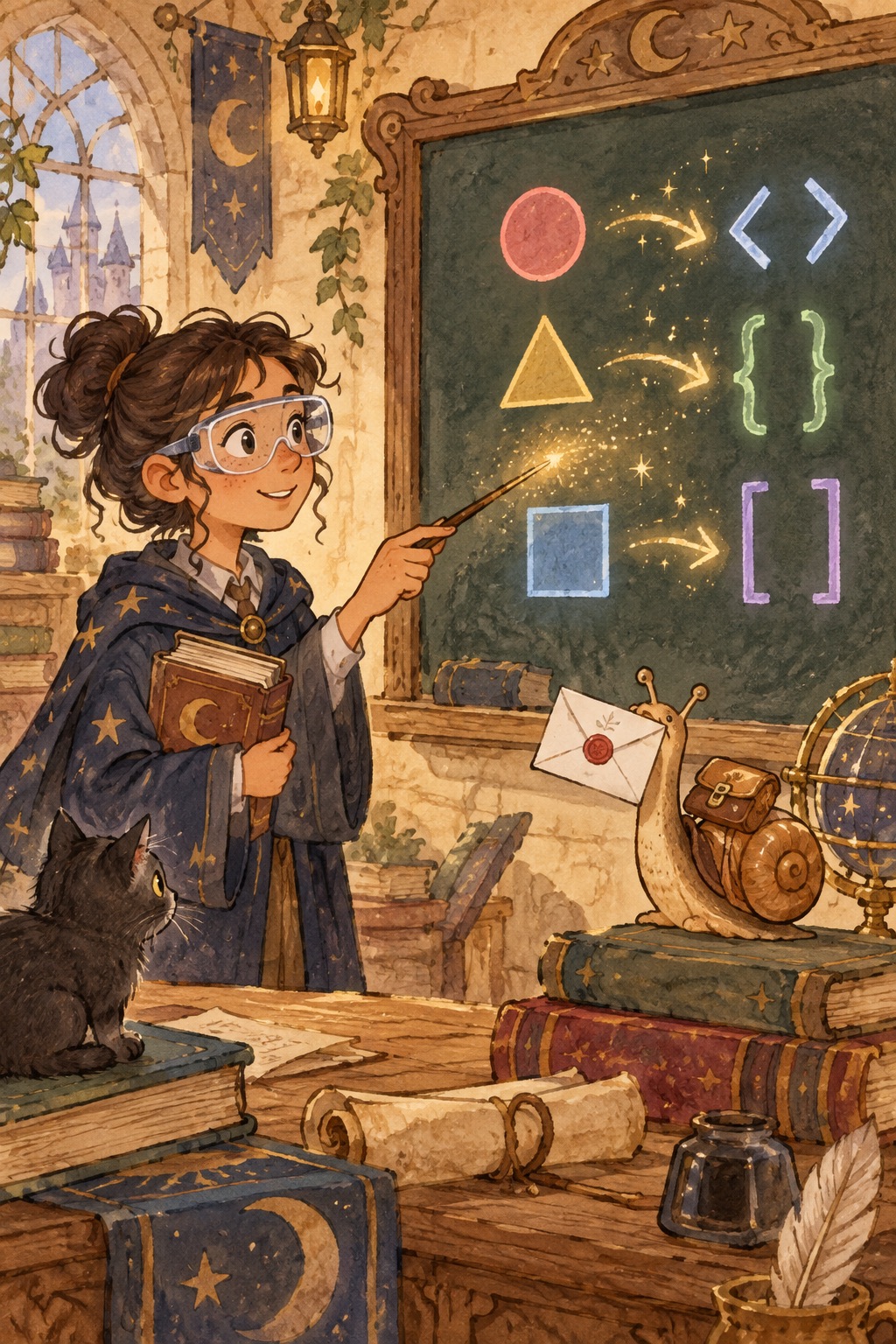
You'll meet strings (text in quotes), integers (whole numbers like house points), floats (decimals like potion strength), and booleans (True/False). Later modules build on these same ideas.
Math stays light here: we practice with school houses, spells, and points against the dark arts so the concepts stick without feeling like a math class.
Harry Potter: "And how do you conjure it?"
Remus Lupin: "With an incantation, which will work only if you are concentrating, with all your might, on a single, very happy memory."
💬 Discussion
Talk these through with a friend, a class, or just your notes app:
- If a variable is a labeled box, what would you label in your own life? (phone battery, playlist, homework list…)
- Why might a computer need to know the difference between the text "25" and the number 25?
- When would you use True/False instead of a number or a name?
💻 Code walkthrough
Copy into your editor, or download the .py file and run it. Tinker — change names, numbers, and spells.
Variables and printing variables_and_print.py
# Strings hold text — use quotes around wizard names and spells
wizard_name = "Hermione"
spell = "Lumos"

# print() sends output to the screen (your "incantation" to the computer)
print("Welcome,", wizard_name)
print(spell, "— the tip of your wand glows!")

# You can combine text with + (concatenation)
greeting = "Hello, " + wizard_name + "!"
print(greeting)
Numbers and type conversion type_conversion.py
# Integers are whole numbers (house points, year level)
house_points = 50
year = 3

# Floats can have decimals (potion strength, quiz scores)
potion_strength = 7.5

# input() always returns a string — convert before doing math
points_text = "25"          # imagine this came from input()
points = int(points_text)   # turn "25" into the number 25
total = house_points + points
print("Total house points:", total)

# str() turns a number into text for friendly messages
print("You are in year " + str(year))
f-strings (modern way to mix text and variables) f_strings_modern_way_to_mix_text_and_variables.py
spell = "Wingardium Leviosa"
caster = "Hermione"
attempts = 3

# f"..." lets you embed variables inside { }
print(f"{caster} cast {spell} ({attempts} tries)")

# You can put expressions inside the braces too
points = 15
print(f"House earns {points * 2} bonus points!")
Booleans and simple math booleans_and_simple_math.py
# True and False are special values used in conditions later
has_wand = True
is_petrified = False

dark_points = 12
good_deed_points = 20
net_points = good_deed_points - dark_points

print("Has wand:", has_wand)
print("Net house points:", net_points)
🧪 Try this
- Open
hello.py, change the name on the last line to yours, and runpython3 hello.py. - In
variables_and_print.py, add a second spell variable and print both spells in one friendly sentence using an f-string. - Break it on purpose: remove the quotes around a string, run the file, read the error, then fix it. Errors are clues, not curses.
📁 Local files
All runnable Python for this module: