Lesson 05
Images & frames
Keep the character recognizable and give each picture a clear storytelling job.
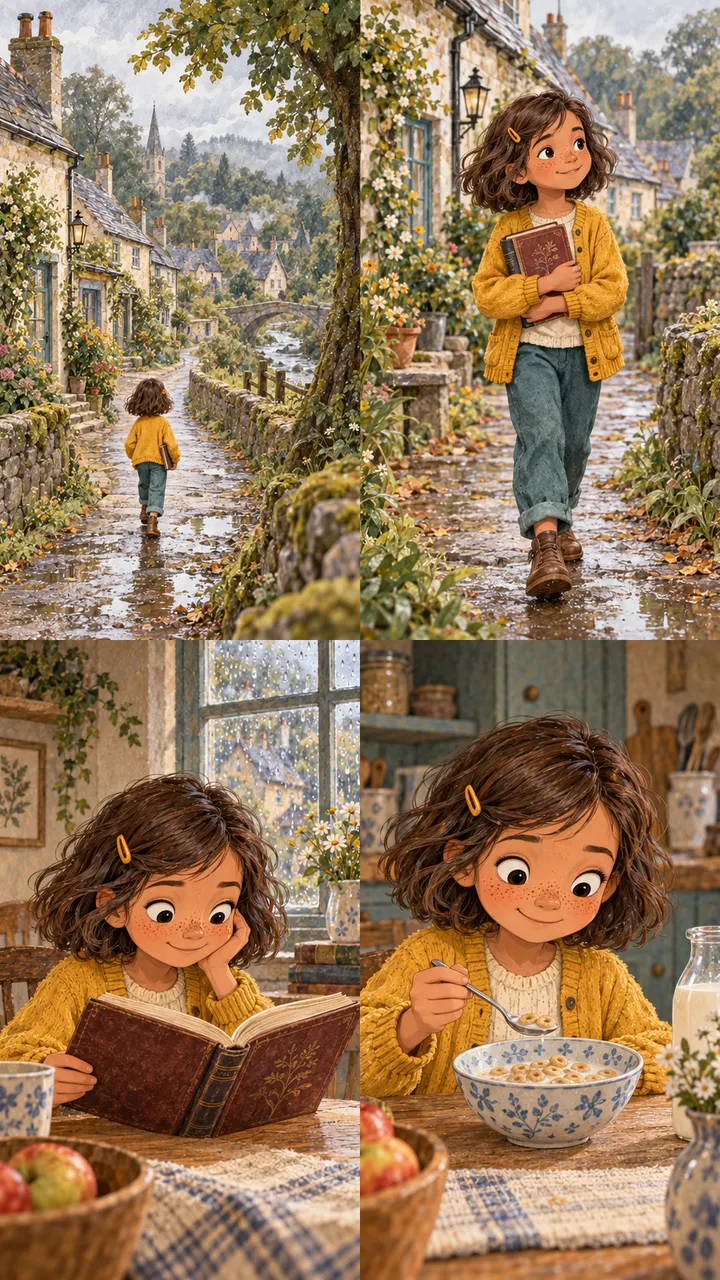
A style lock records the details you want to preserve across pictures. It guides both hand-drawn and generated work. A reference helps, but each new image still needs review.
Write the visual rules
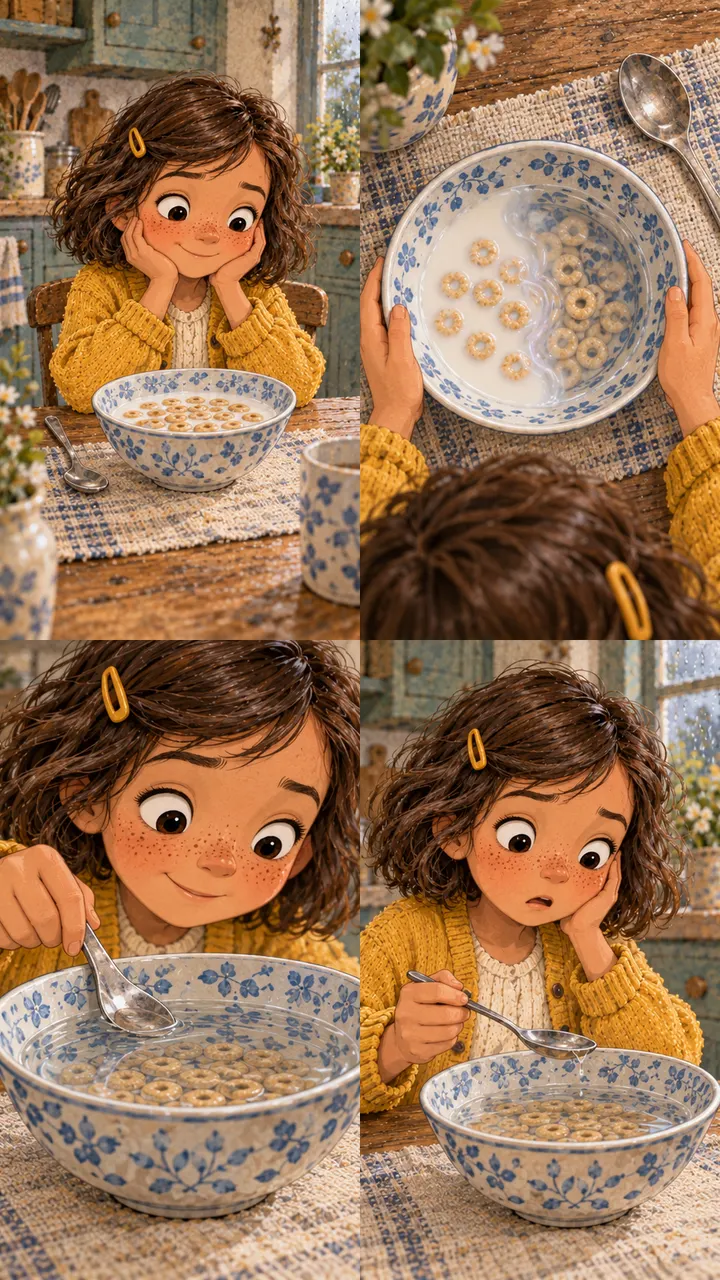
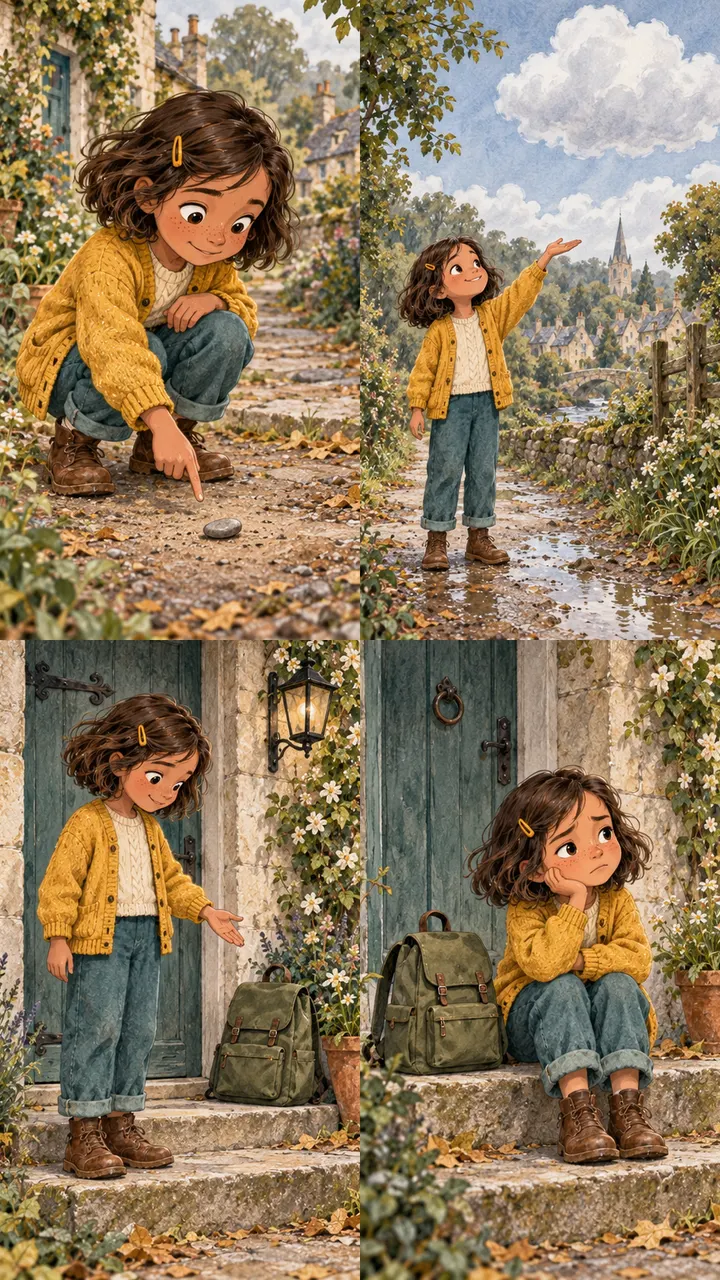
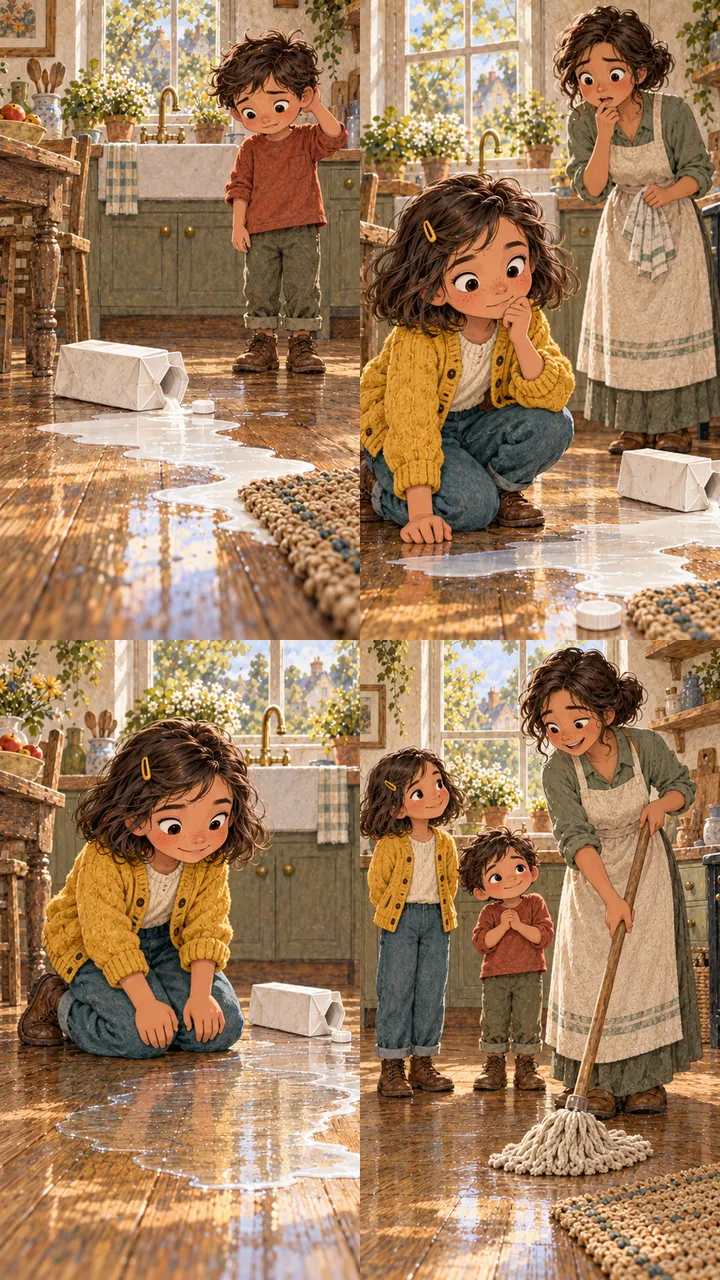
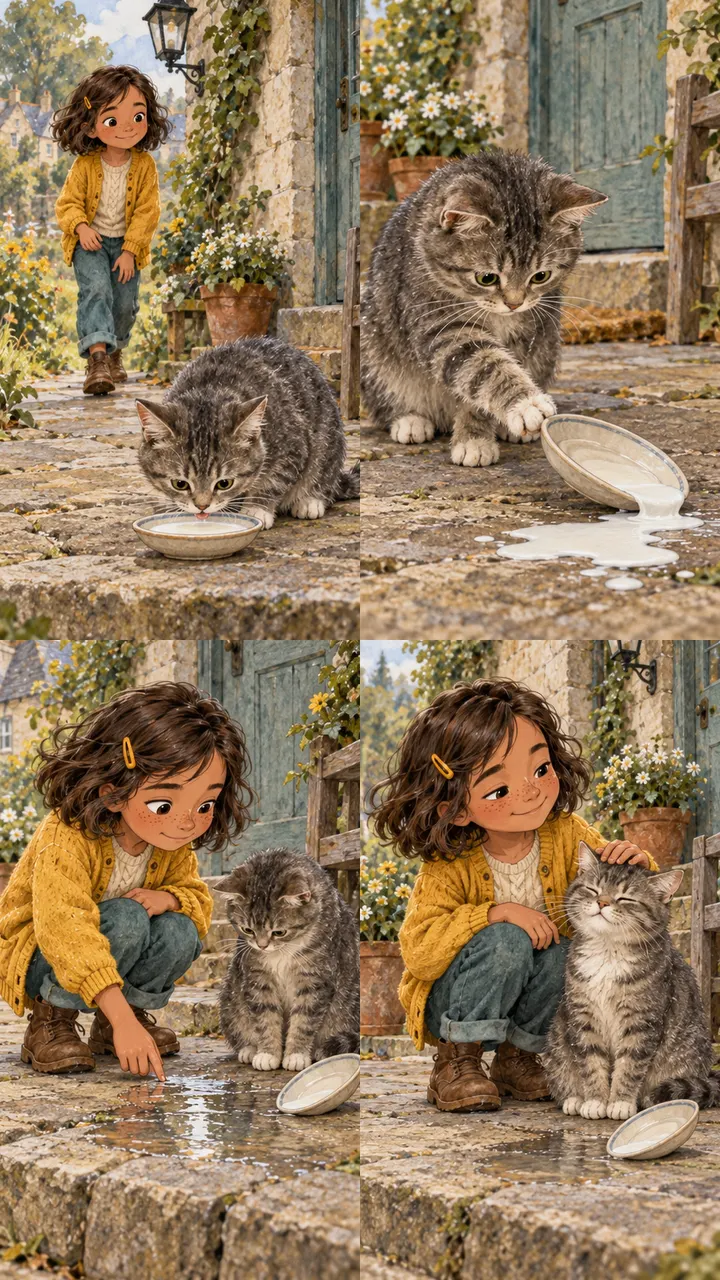
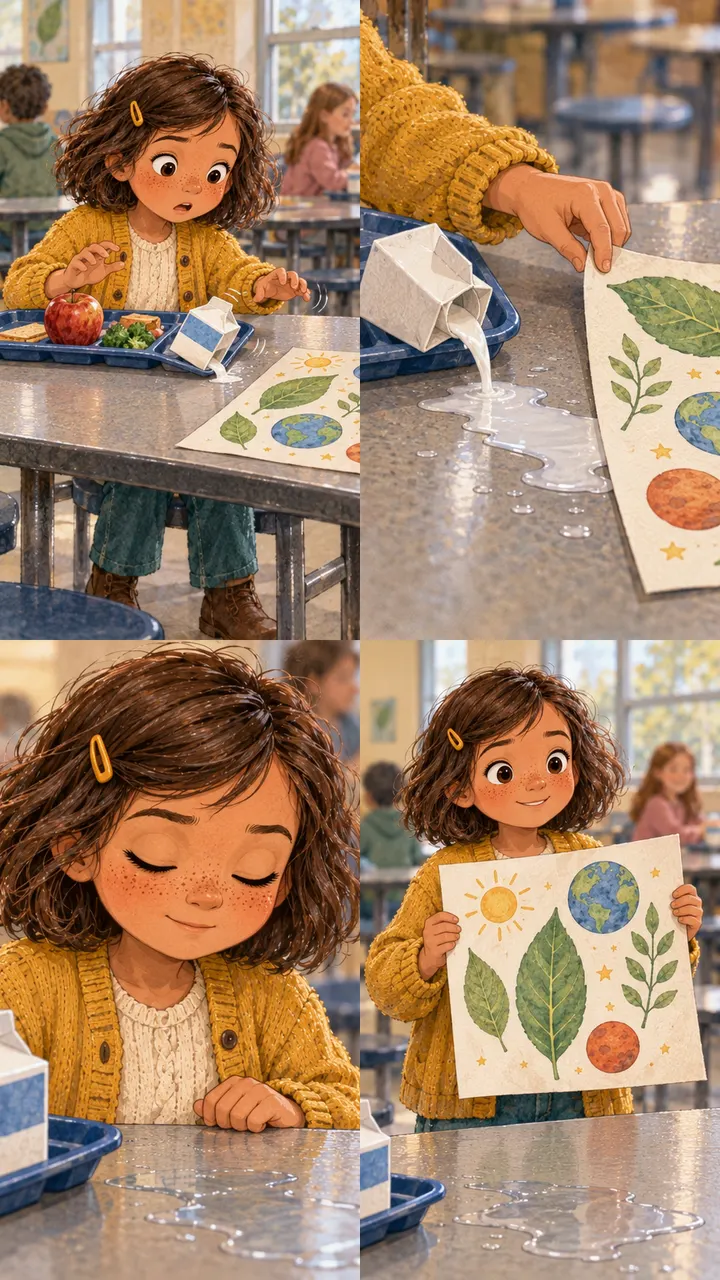
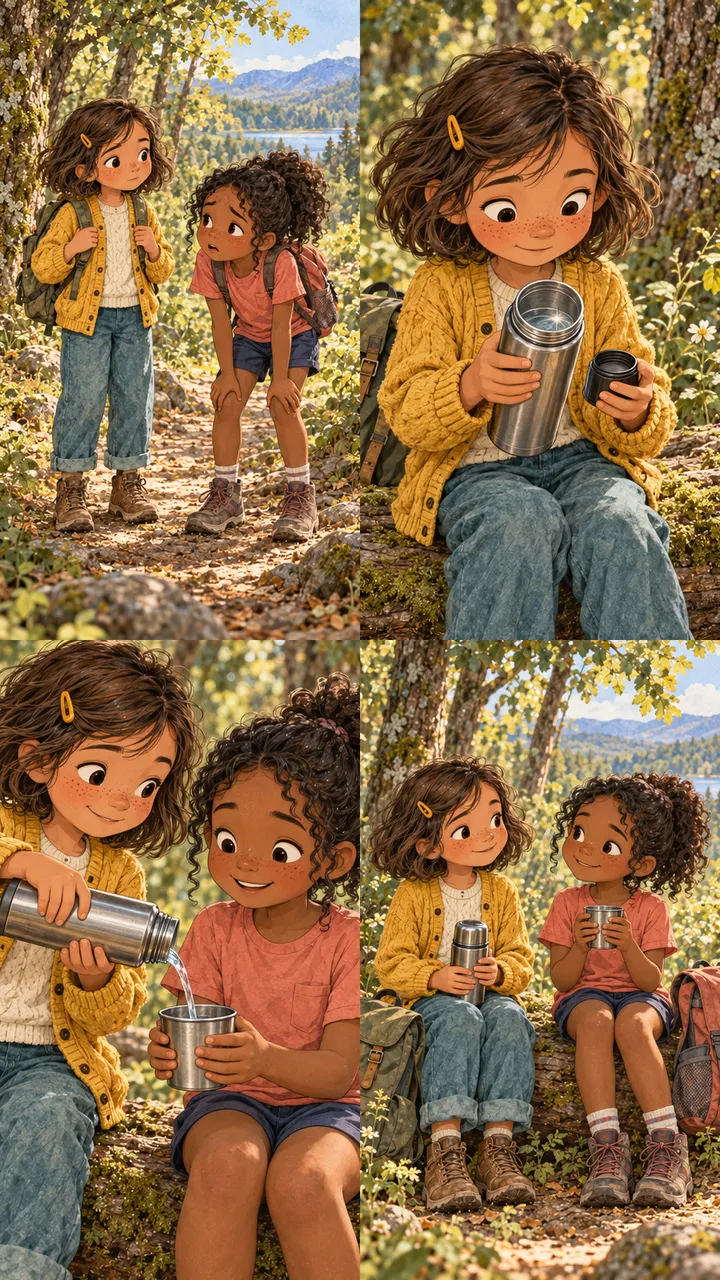
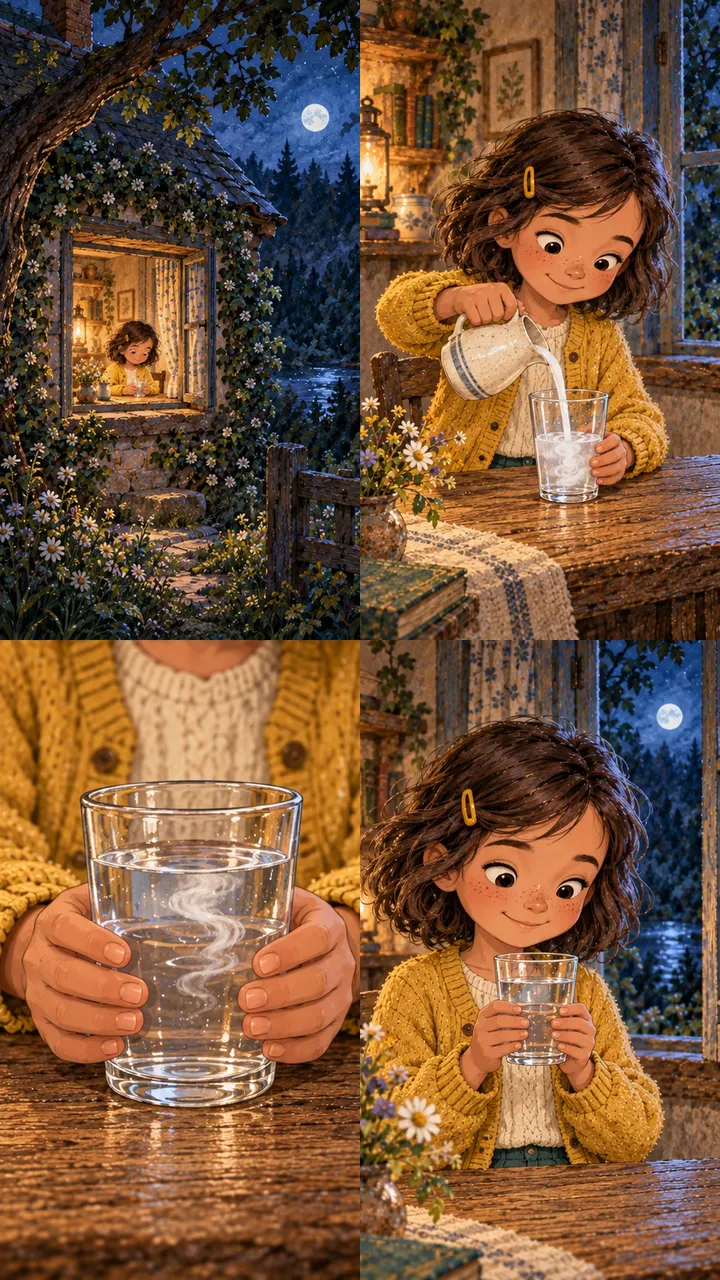
In the Ellie examples below, look for the dark wavy bob, mustard hair clip and cardigan, cream shirt, teal trousers, and warm storybook colours. These details connect different actions and settings to the same character.
For the practice story, you could use this brief. It is an example you can adapt, not an instruction to access an existing image.
Character: Mira, short curly black hair
Clothing: blue raincoat and red boots
Prop: a small brass lantern
Setting: a leafy path after rain
Style: soft painted shapes, green and amber palette
Rule: only lost objects glow
Framing: vertical, with space for captions
Study the contact sheets
A contact sheet lets you compare shots together. Each image below contains four panels. These are the course’s Ellie contact sheets, not single frames from the finished video. Compare panels before choosing a crop.
Choose four pictures for four beats
A useful sequence changes what the viewer learns. For Mira’s story, sketch these four pictures as boxes on paper; stick figures and labels are enough.
- Setup: Mira holding a lantern beside an unlit path.
- Question: a closer view of her puzzled expression.
- Discovery: a faint glow beneath a leaf.
- Payoff: a key revealed beside the lantern.
Write the matching spoken line beneath each box. If the picture reveals the key before the narration builds curiosity, decide whether to change the crop or the timing.
Compose for the final shape
Ellie uses a vertical 9:16 canvas. Draw tall boxes in that proportion when planning your own short. Keep important faces and objects away from the edges and reserve a readable area for captions. Check the actual preview because player controls can overlap parts of the image.
Cropping removes content from the sides or top and bottom. Resizing changes the image’s dimensions. Stretching a wide picture to fill a tall frame distorts it; choose a crop that preserves the subject or create a new composition.
Consistency needs review
A reference cannot guarantee that every new illustration keeps the same clothes, face, or prop. Compare the candidate pictures together and repair or replace the ones that break the visual rules.
An optional illustration prompt
If you use an image tool, combine the character brief above with a specific action and framing request:
Use the character and visual rules above.
Show Mira kneeling beside a leaf on the path.
A faint amber glow comes from beneath the leaf.
Keep the key hidden for now.
Leave clear space below the action for captions.
Do not add text to the illustration.
Activity · Make a storyboard
Draw four vertical panels for your script. Label the action, spoken beat, and caption area in each. Use the gallery to identify one example of a wide view and one close view, then explain where each would help your story.
Checkpoint
Your character stays recognizable, each panel adds information, and no planned crop hides the object the audience needs to see.